
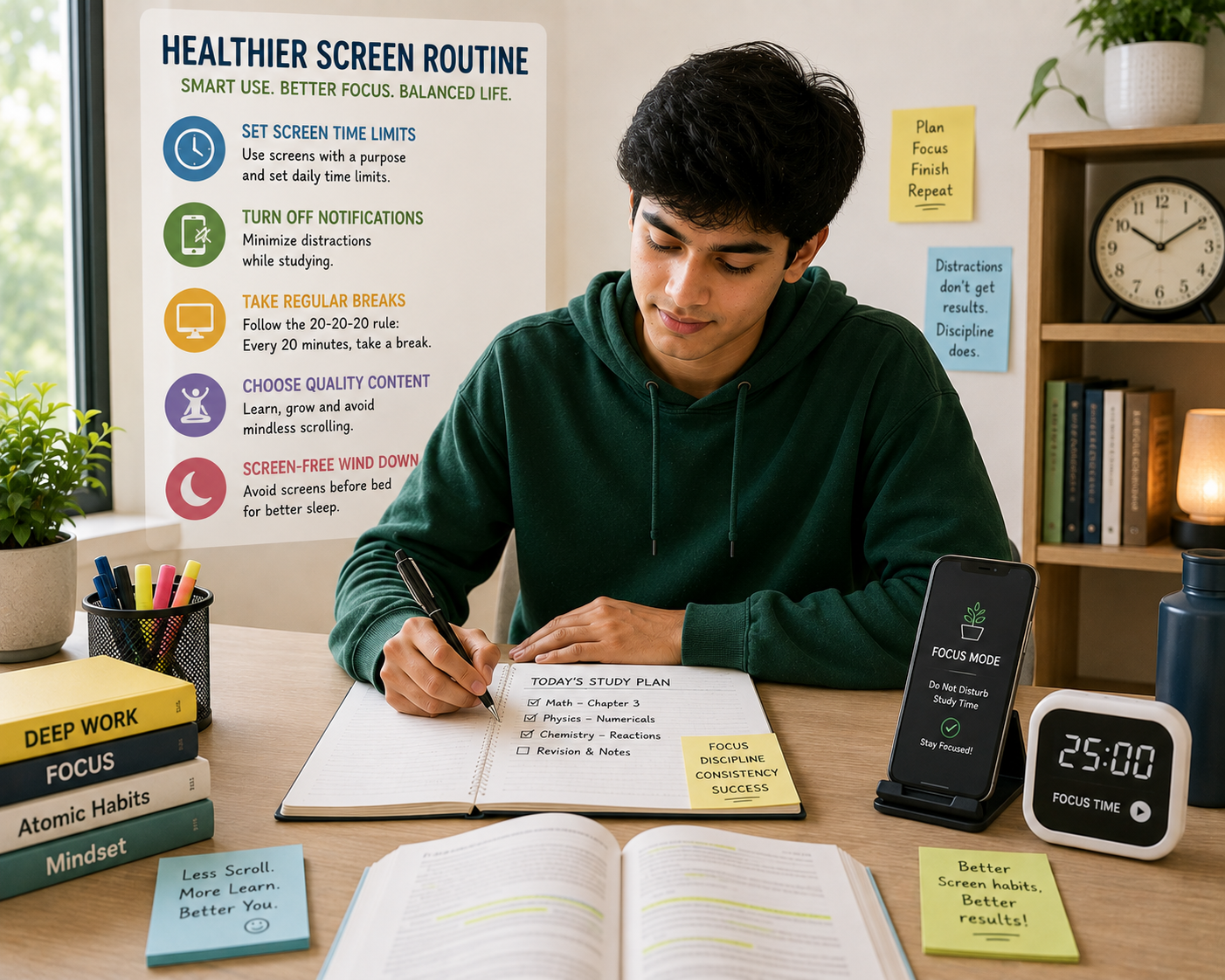
Digital well-being is about creating a healthier relationship with technology. It doesn’t mean avoiding smartphones, computers, or social media completely. Instead, it involves becoming more intentional about when, why, and how you use them.
A few simple adjustments can help you stay connected while protecting time for concentration, rest, and offline activities.
Why Digital Well-Being Matters
Technology itself isn’t necessarily the problem. The way we use it can make a significant difference.
A phone may help you communicate with friends, complete an assignment, or find useful information. The same device can also interrupt your concentration dozens of times throughout the day.
Frequent interruptions can make it harder to remain focused on important activities. Spending long periods online may also reduce the time available for exercise, hobbies, conversations, or proper rest.
Creating healthier digital habits can help you use technology as a useful tool instead of allowing it to control your attention.
8 Ways to Create a Healthier Screen Routine
1. Decide Why You’re Picking Up Your Phone
A simple question can change the way you use your device:
“Why am I checking this?”
Sometimes you may need to respond to an important message. At other moments, you may reach for your phone automatically because you’re bored or looking for a quick distraction.
Before opening an app, identify what you intend to do.
If you want to check one message, respond to it and return to your previous activity. When you open social media without a specific purpose, it’s easier to continue scrolling longer than expected.
Being intentional can turn automatic habits into conscious choices.
2. Turn Off Unnecessary Notifications
Every notification competes for a small amount of your attention.
Messages, promotional alerts, social media updates, and app reminders can interrupt studying, working, reading, or relaxing.
Review your notification settings and disable alerts that aren’t important.
You can keep notifications for essential communication while reducing interruptions from less important applications.
A quieter phone can create a calmer digital environment.
3. Create Screen-Free Periods
You don’t need to eliminate screens from your entire day.
Instead, choose specific periods when you intentionally step away from devices.
For example, you might keep your phone away while eating, during a short morning routine, or while spending time with family.
These periods create opportunities to focus on activities that don’t require a screen.
Over time, screen-free moments can become a natural part of your daily routine.
4. Protect Your Study or Work Sessions
Students and professionals often need devices to complete important tasks.
The challenge is staying focused when the same device provides endless distractions.
Before beginning a study or work session, close unrelated tabs and applications. Put unnecessary notifications on silent and keep entertainment apps out of reach.
If you need the internet for research, decide what information you’re looking for before opening the browser.
A clear purpose makes it easier to use technology for the task rather than drifting toward unrelated content.
5. Keep Your Phone Away During Meals
Meals provide a useful opportunity to step away from digital activity.
Instead of automatically watching videos or scrolling while eating, try keeping your phone somewhere else.
This creates space for a slower meal and, when you’re with others, more meaningful conversation.
Even a short break from notifications can help you become more aware of what you’re doing in the present moment.
The goal isn’t to make every meal completely screen-free forever. It’s simply to create occasional opportunities to disconnect.
6. Create a Calmer Evening Routine
Using devices late into the night can make it tempting to continue scrolling when you should be preparing for sleep.
Create a simple transition between screen-heavy activities and bedtime.
You could spend the final part of your evening reading, preparing for the next day, listening to calm music, or having a conversation with someone at home.
Consider keeping your phone away from your bed if you frequently check it at night.
A predictable evening routine can make it easier to separate digital activity from rest.
7. Replace Some Screen Time With Offline Activities
Reducing screen use becomes easier when you have enjoyable alternatives.
Try replacing some online time with activities such as walking, exercising, reading, cooking, drawing, gardening, journaling, or spending time outdoors.
The activity doesn’t need to be highly productive.
Enjoyment matters too.
Having offline activities available gives your attention somewhere else to go when you feel the urge to reach for your phone.
8. Review Your Digital Habits Regularly
Your technology habits can change without you noticing.
A useful review can help you understand how you’re spending your digital time.
Look at your screen-time information and identify which applications consume the most attention.
Then ask yourself whether that usage matches your priorities.
You don’t necessarily need to reduce every category. Some screen time may be necessary for study, work, communication, or entertainment.
The purpose of reviewing your habits is to identify where your choices could become more intentional.
Digital Well-Being for Students
Students often depend on technology for learning. Online classes, research, educational videos, assignments, and communication can all require significant screen use.
The solution isn’t simply spending less time on devices.
Instead, separate productive screen time from unplanned screen time.
During study periods, use your device for the specific task you’re completing. When the work is finished, step away rather than immediately switching to another form of digital entertainment.
A student could also create specific periods for checking social media rather than allowing notifications to interrupt every study session.
This distinction can make technology more useful without allowing it to dominate the entire day.
When Social Media Becomes a Distraction
Social media can be entertaining and useful, but endless scrolling can consume more time than expected.
If you notice yourself opening an app automatically, create a small pause before doing so.
Ask whether you’re checking something specific or simply looking for a distraction.
You might also remove frequently distracting apps from your home screen or turn off their notifications.
These small changes create an extra moment between the impulse and the action.
That moment can be enough to make a more deliberate choice.
Finding Balance With Technology
A healthy digital routine isn’t about following strict rules.
There will be days when you spend more time online because of an assignment, work project, travel, entertainment, or communication.
That doesn’t mean you’ve failed.
The bigger goal is awareness.
Notice how technology affects your concentration, sleep, relationships, and free time. Then make adjustments when something isn’t working well.
Technology should support your life rather than constantly compete with it.
Final Thoughts
Developing digital well-being starts with becoming more intentional about your screen habits.
Ask why you’re reaching for your phone, reduce unnecessary notifications, create screen-free periods, and protect important study or work sessions. At the same time, make room for offline activities and a calmer evening routine.
You don’t need to disconnect from technology completely.
A healthier approach is to decide when technology adds value and when stepping away would serve you better.
Start with one simple change today. Turn off a few unnecessary notifications or create one screen-free period in your routine.
Small adjustments can gradually create a healthier relationship with the devices you use every day.
For another practical guide related to student productivity, explore Student Productivity: 8 Daily Habits for Academic Success.
For additional information about healthy technology habits and mental well-being, explore resources from the American Psychological Association.
Frequently Asked Questions
1. What is digital well-being?
Digital well-being means using technology in a balanced and intentional way that supports your daily responsibilities, relationships, concentration, and overall well-being.
2. Does digital well-being mean avoiding social media?
No. Social media can be part of a healthy digital routine. The important factor is whether your usage is intentional and balanced with other areas of life.
3. How can students improve their digital habits?
Students can reduce unnecessary notifications, protect focused study periods, keep devices away during breaks, and separate educational screen time from recreational use.
4. How can I spend less time on my phone?
Start by identifying which apps consume the most time. Turning off unnecessary notifications and creating specific phone-free periods can make reducing unnecessary usage easier.
5. Should I stop using screens before bed?
Creating a calmer period before sleep can help separate screen activity from your bedtime routine. Consider replacing late-night scrolling with a relaxing offline activity.